
Tatva ERP for electronics & mobile shops
Every handset and appliance, traced by its serial number.
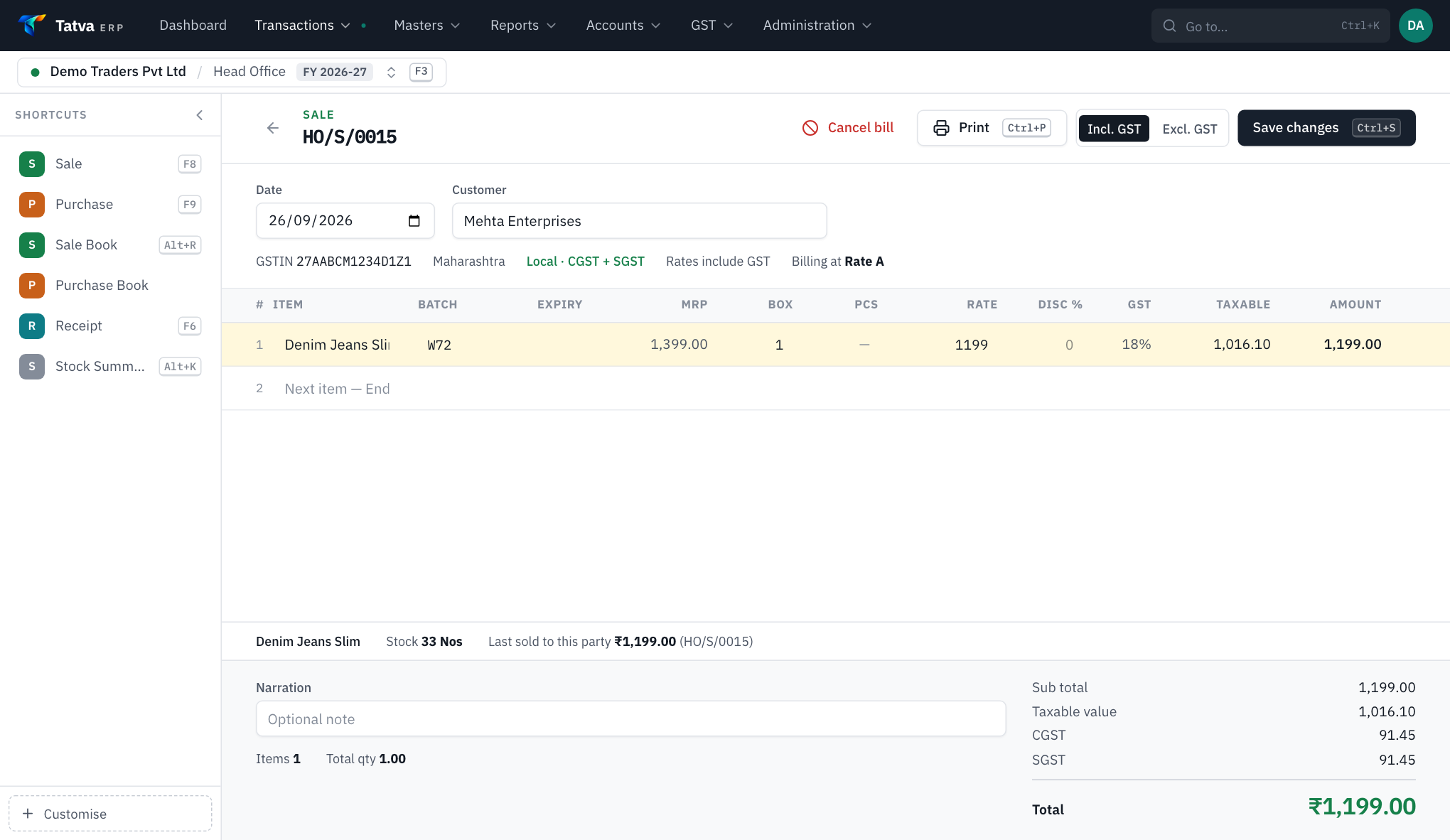
In electronics the unit matters, not just the item. Tatva ERP lets you call the batch field 'Serial no.' or 'Model' across the whole software, so each unit is bought, stocked and sold by its own number and the bill shows it.
01The usual trouble
What usually slows the business down.
- 1Which IMEI went to which customer, lost after the sale.
- 2Model variants with different prices mixed up.
- 3Finance and credit customers without a clean ledger.
02How Tatva ERP handles it
Set up for your trade the day your company is created.
Your word for the batch
Rename the batch to Serial no., IMEI, Model or Lot: screens, bills and reports all use your word.
Expiry switched off
No expiry columns for a trade that has none.
Unit-wise stock
See which serial numbers are in stock, sold and to whom.
Credit sales
Party ledgers, credit limits and bill-wise receipts for customers who pay later.
Quotations
Quote a combo, then turn the quotation into a bill without retyping.
Branches and transfers
Move stock between outlets with a transfer voucher.
Plus everything every company gets: double-entry books, GST returns with GSTR-1 JSON, multi-branch, roles and audit log. All features
03Questions
From electronics & mobile shops owners.
Can the bill show the IMEI or serial number?
Yes. Name the batch field 'IMEI' or 'Serial no.' in Configuration and it appears under that name on the bill and in every report.
Free demo
See it on your own bill.
We will set up a sample company for your trade and make one of your real bills in it, on a call.
Book a demo
See Tatva ERP on your own kind of bill.
A 30-minute call, on your screen. Bring one of your bills; we will make it in Tatva while you watch.