
Tatva ERP for grocery, kirana & supermarkets
A kirana counter that keeps up with the queue.
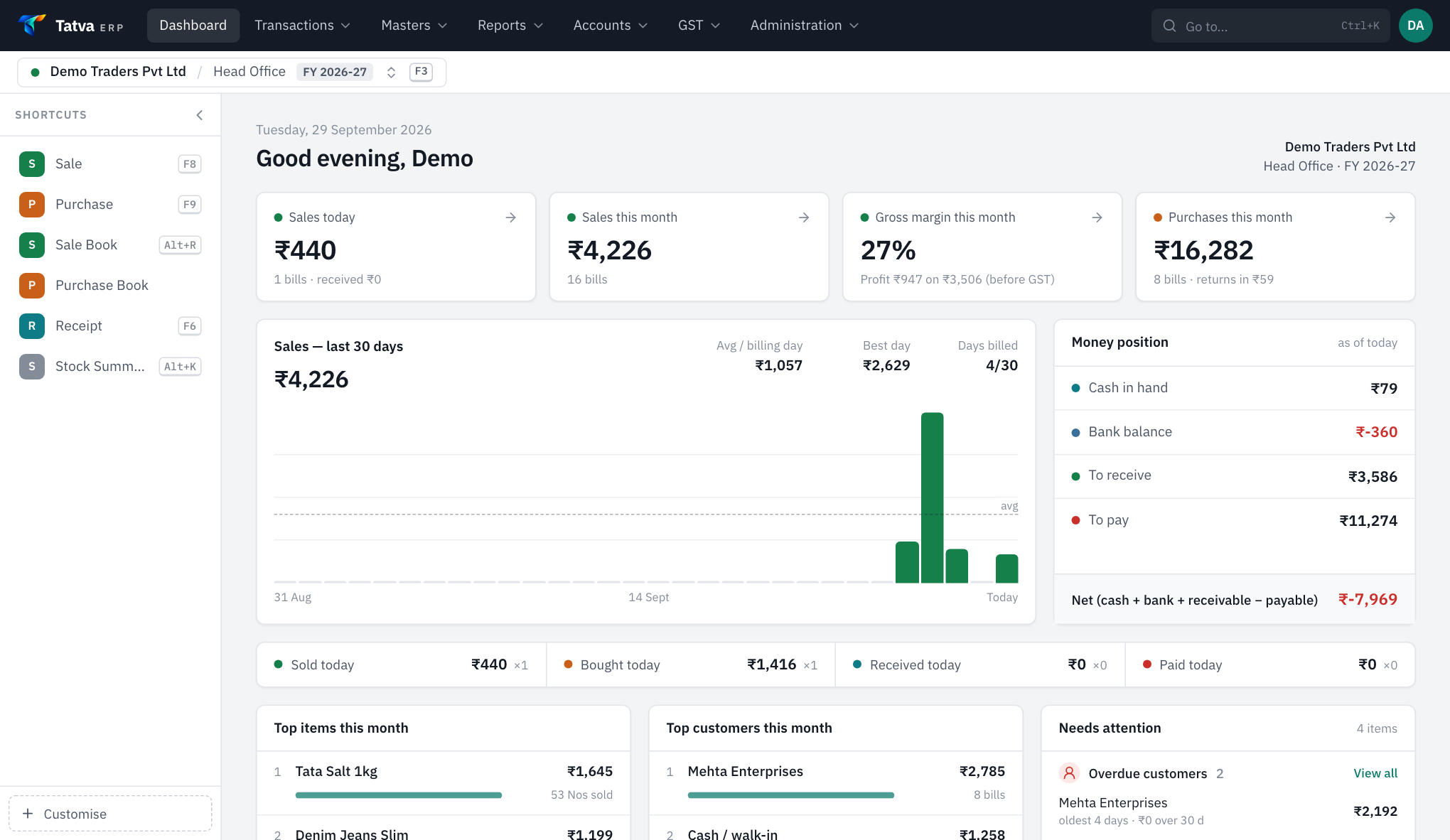
At a grocery counter the bill has to be finished before the customer finishes packing. Tatva ERP bills by barcode, adds quantity when the same item is scanned again, splits the payment between cash and UPI and closes the day by payment mode.
01The usual trouble
What usually slows the business down.
- 1Queues at the counter while the cashier searches for an item.
- 2Cash, UPI and card never quite matching at closing.
- 3Fast-moving items running out before anyone notices.
02How Tatva ERP handles it
Set up for your trade the day your company is created.
Barcode billing
Item, item code or batch barcode. Scanning the same code again adds quantity instead of a new line.
Phone as a scanner
Pair any phone by QR and it becomes a wireless barcode scanner for the open bill.
Split payments
Cash, UPI and card on one bill, with a payment-mode wise report for closing.
Reorder list
Items below their reorder level, ready to turn into the next purchase.
Online store add-on
Your customers order from their phones; accepted orders become sale bills in Tatva ERP.
Multiple stores
Godown and shop as separate stores, with stock transfer between them.
Plus everything every company gets: double-entry books, GST returns with GSTR-1 JSON, multi-branch, roles and audit log. All features
03Questions
From grocery, kirana & supermarkets owners.
Do I need to buy a barcode scanner?
A USB scanner works like a keyboard, but you can also pair a phone as a scanner from Settings, at no extra cost.
Can customers order online from my shop?
Yes, with the online store add-on: customers log in with their phone number, order for delivery and pay cash on delivery. The order arrives in Tatva ERP and becomes a bill.
Free demo
See it on your own bill.
We will set up a sample company for your trade and make one of your real bills in it, on a call.
Book a demo
See Tatva ERP on your own kind of bill.
A 30-minute call, on your screen. Bring one of your bills; we will make it in Tatva while you watch.